Before deciding on an implementation, I’d like to verify whether the following flow is feasible with your API. Could you confirm the points below?
Goal: We want to offer our members a discount when they book via our own custom booking page (built on top of your API). We want to keep a single booking flow for everyone — so instead of separate booking options for members vs non-members, our backend should detect whether the person booking is a member and automatically apply the discount if so. The discount should also work when a member books for a group (member + guests). Before we start building, I’d like to verify whether the flow below is feasible.
The flow I have in mind:
A client enters their email on our booking page
Our backend checks via the admin API (getClientList + getClientMembershipList) whether the email belongs to a client with an active membership
If yes, we call book() with a promo code passed as an additional field, e.g. { "name": "promocode", "value": "MEMBER5", "type": "text" }
The promo code is configured in SimplyBook to give a fixed-amount discount (e.g. €5 off)
My questions:
Is passing a promo code as an additional field in the book() call the correct approach, and will the configured discount be applied automatically?
When count is greater than 1 (group booking), is the fixed-amount discount applied once to the total, or per person?
When making multiple book() calls in sequence (e.g. via createBatch), are the slots held between calls, or could another client book the same slot in between?
I’m not building anything yet — just trying to confirm the approach is viable before moving forward.
Passing a promo code as an additional field in the booking request is not the right approach — additional fields are custom client-facing form fields (name, phone, notes, etc.) and are not wired to the discount engine.
The correct flow is a two-step process:
create a booking
apply the promo code to the invoice that was created for the booking internally
The discount is applied once to the invoice total, not per person. A promo code adds a single discount line to the invoice regardless of the participant count, so a €5 fixed discount means €5 off the whole order, not €5 × participants.
If you are creating several bookings within a batch, they hold the time slots until they are canceled by a timeout, in case you don’t confirm them
By the way, pay attention you can not combine group bookings with multiple bookings: if you create a multiple booking batch, each booking will have to serve only 1 client
For our use case, we’d like a group booking (member + guests, e.g. 4 participants total) to appear in the backend as a single record — so that rescheduling moves all participants to the new time slot in one action, and cancelling cancels the entire group at once.
Is this achievable by using book() with count > 1 (instead of a batch), so the group is stored as one booking with multiple seats? And does editBook / rescheduleBook then operate on the whole group as one unit?
2. Refunds via API
Your documentation mentions that refunds can be issued via SBPay .me or the payment processor’s admin panel. For our integration we’d like to know:
Is there an API method to trigger a refund (full or partial) through SBPay .me PRO or the connected payment processor?
Or does it really have to be done manually through the admin interface — meaning we’d need to integrate directly with the payment processor (e.g. Stripe API) ourselves to automate refunds?
About group bookings, you get N separate booking records, which can be canceled one by one or together, but 1 invoice with 1 record in it for all bookings in group. Client rescheduling is not available for group bookings, but admin can modify them one by one
Client rescheduling is not available for group bookings, but admin can modify them one by one
I see — but this isn’t workable for us. Is there a workaround? It’s essential that clients can modify their group bookings. Would it perhaps be possible to create a group as a batch booking, so that each individual booking within it can be changed separately?
And is it possible to change a location when you reschedule your booking?
You can implement it via admin API instead of client one, if you control all the process. In this case you can change both time and location for individual bookings
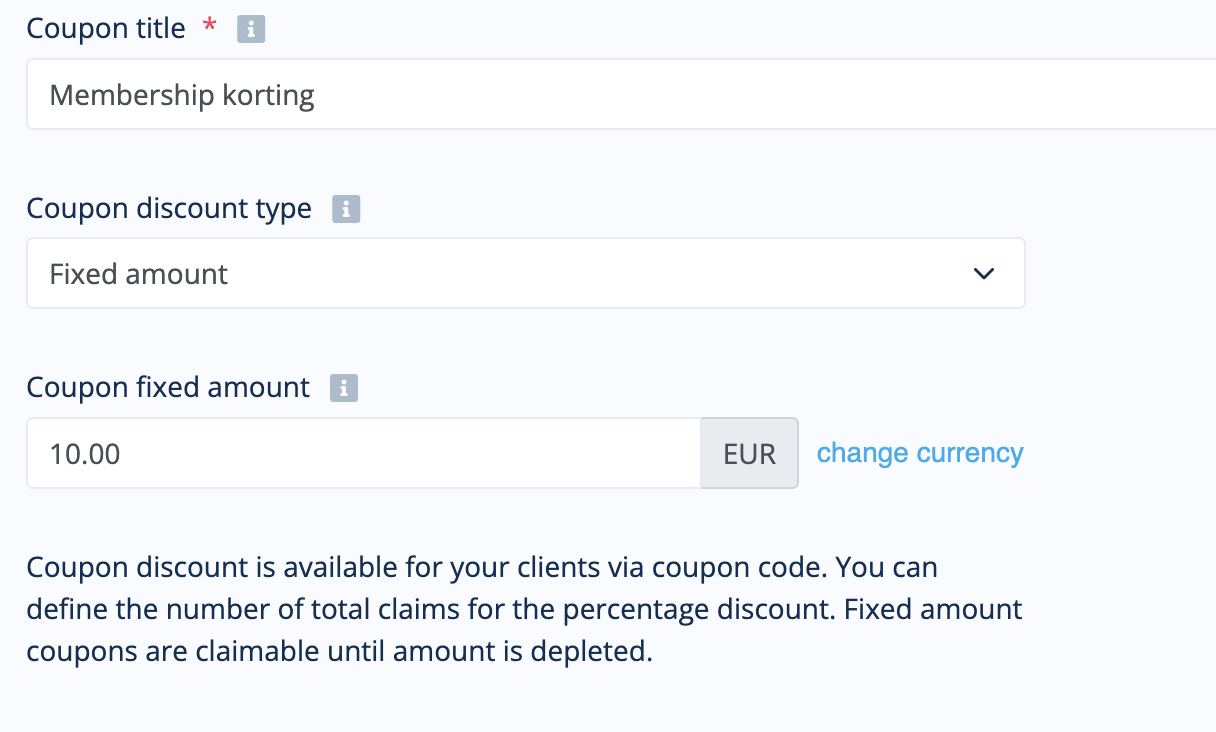
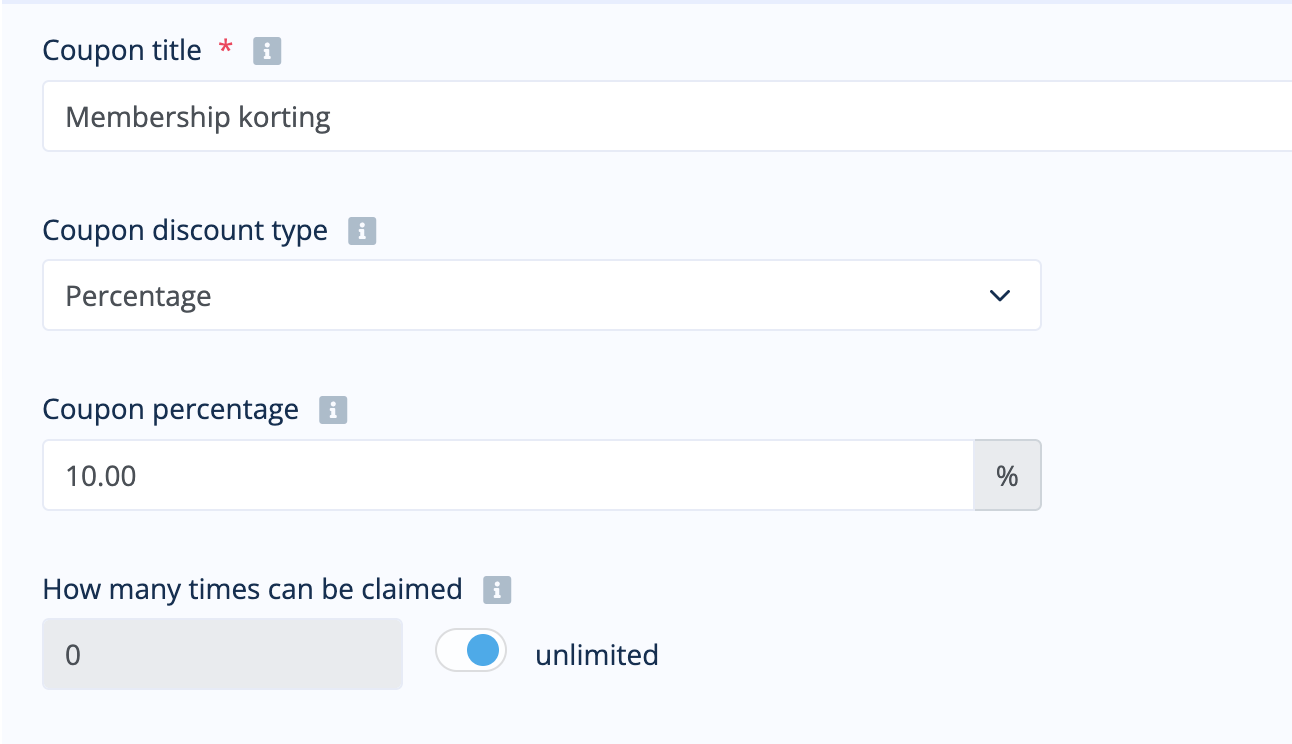
This looks like a bug. System allows to create a percentage coupon with limited number of uses, and then change it to a fixed amount one, but number of uses remains from what was set on the previous step.
I tested this by creating a coupon based on percentage with unlimited claims. After saving I changed it into the fixed price option. As a fixed price coupon it was still usable once.
You should not be able to change coupon settings after it was used at least once; otherwise it’s ok - but I will make the limitation to be removed when the type is changed
Is there a way to temporarily hold/reserve a time slot so that no one else can book it while a customer is filling in their details and going to the payment page — without having to create a full confirmed booking first?
The flow you are describing does not exist exactly, but the slot will be locked as soon as you create the booking even if payment is not made yet. If you create your custom solution via API, you can try some workarounds, like create a booking with anonymous client first and then change it etc.